Create a broadcast
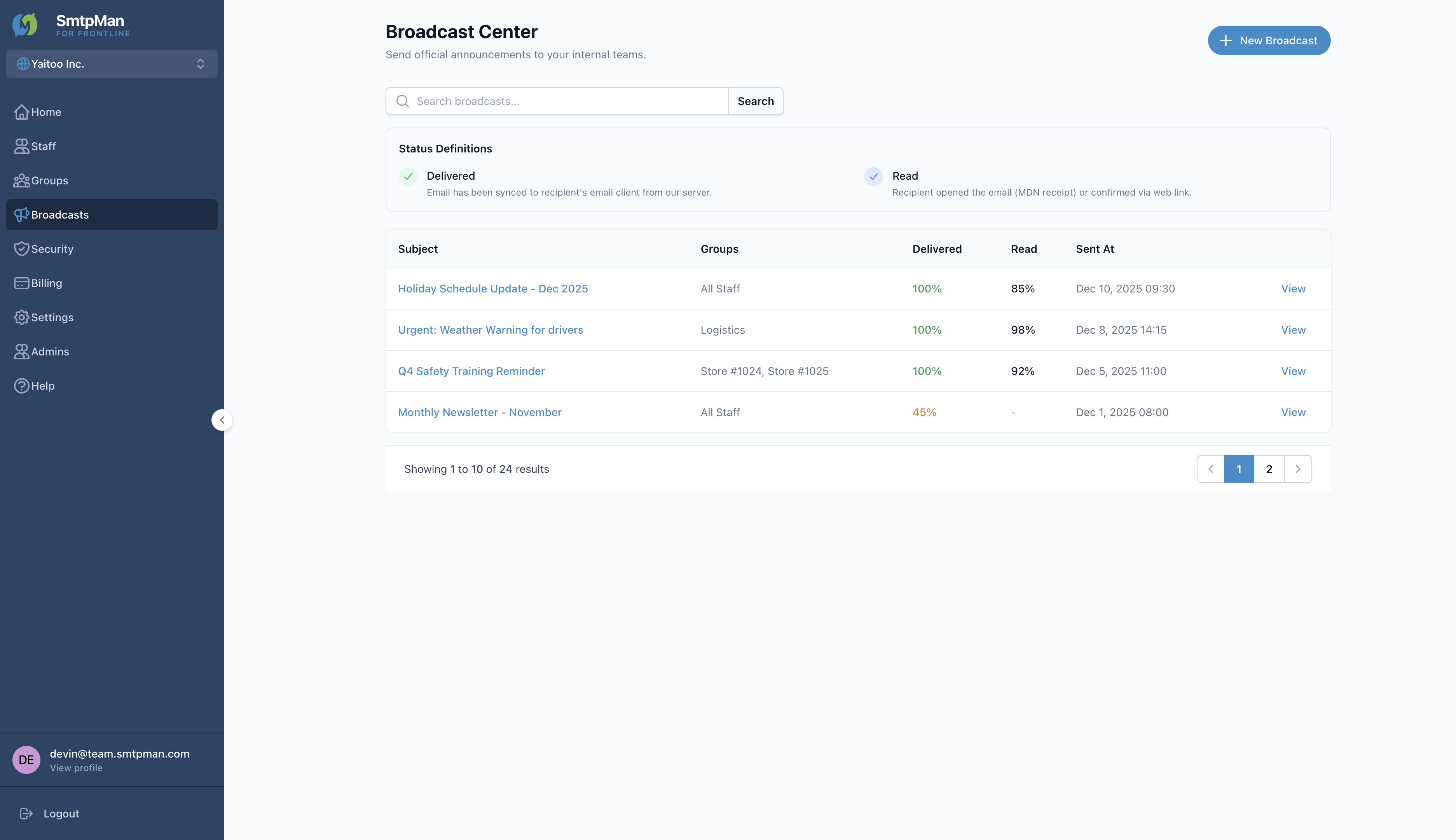
Open Broadcasts → Broadcast Center, then click New Broadcast to open Create New Broadcast.
Broadcast send steps
- Create — New Broadcast
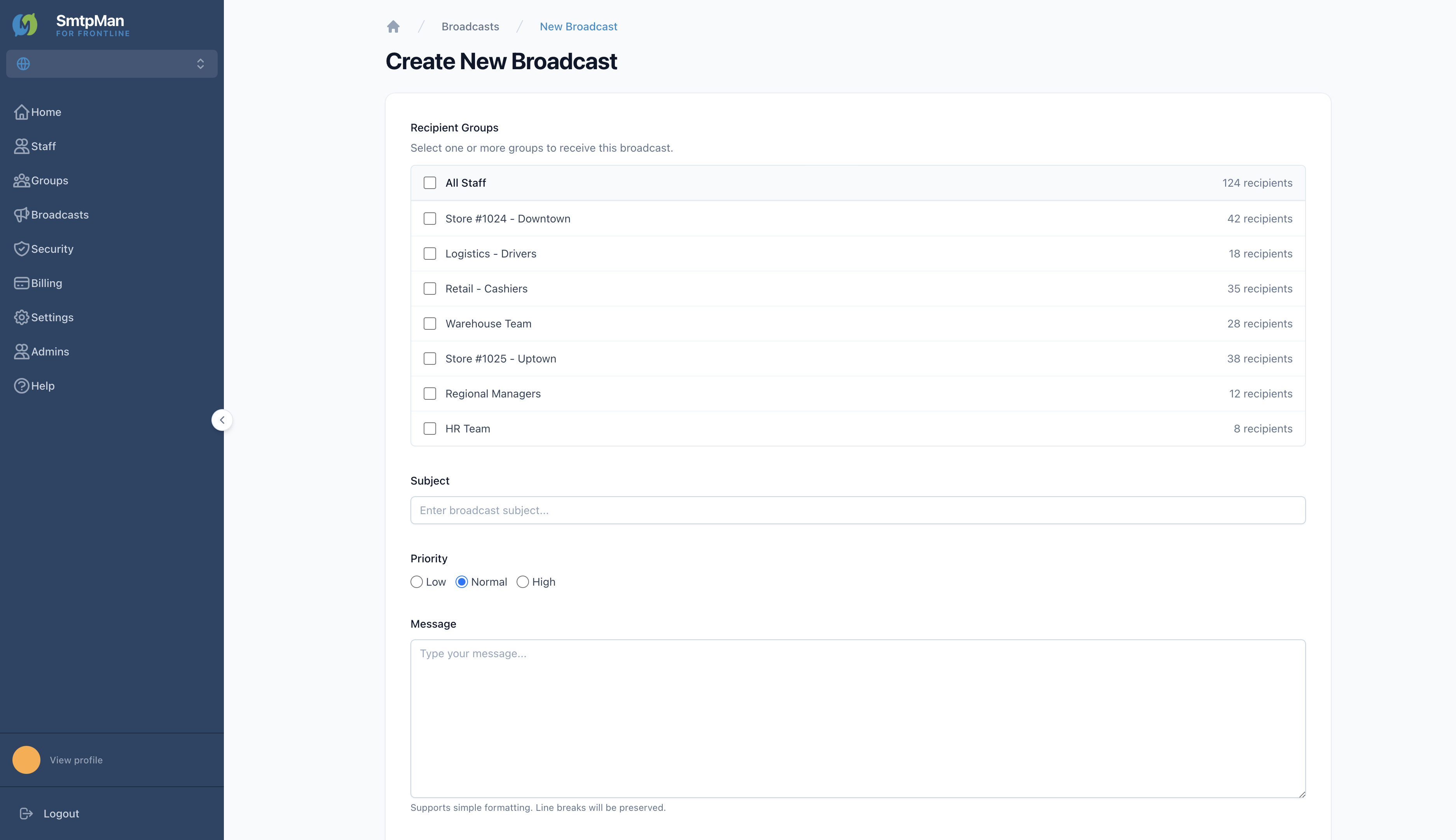
- Audience — select Recipient Groups
- Compose — Subject, Priority (Low / Normal / High), Message
- Send — optional Request Read Receipt, then Send Broadcast
Choose recipients and groups
Under Recipient Groups, select one or more groups. Options include All Staff and individual distribution groups. The form shows a selected-group count and total recipients. Create and maintain groups in Help: groups.
Schedule and send
When Subject, Priority, Message, and recipients are ready, click Send Broadcast. The create form sends immediately—there is no separate schedule date/time control. Optionally leave Request Read Receipt checked to track reads.
Message help text in the product: “Supports simple formatting. Line breaks will be preserved.” For shift-handover templates, see the Shift-worker internal communication email playbook.
Review delivery status
Broadcast Center lists Subject, Groups, Delivered %, Read %, and Sent At. Status definitions match the product legend:
Delivered
Email has been synced to recipient's email client from our server.
Read
Recipient opened the email (MDN receipt) or confirmed via web link.