Profile and login
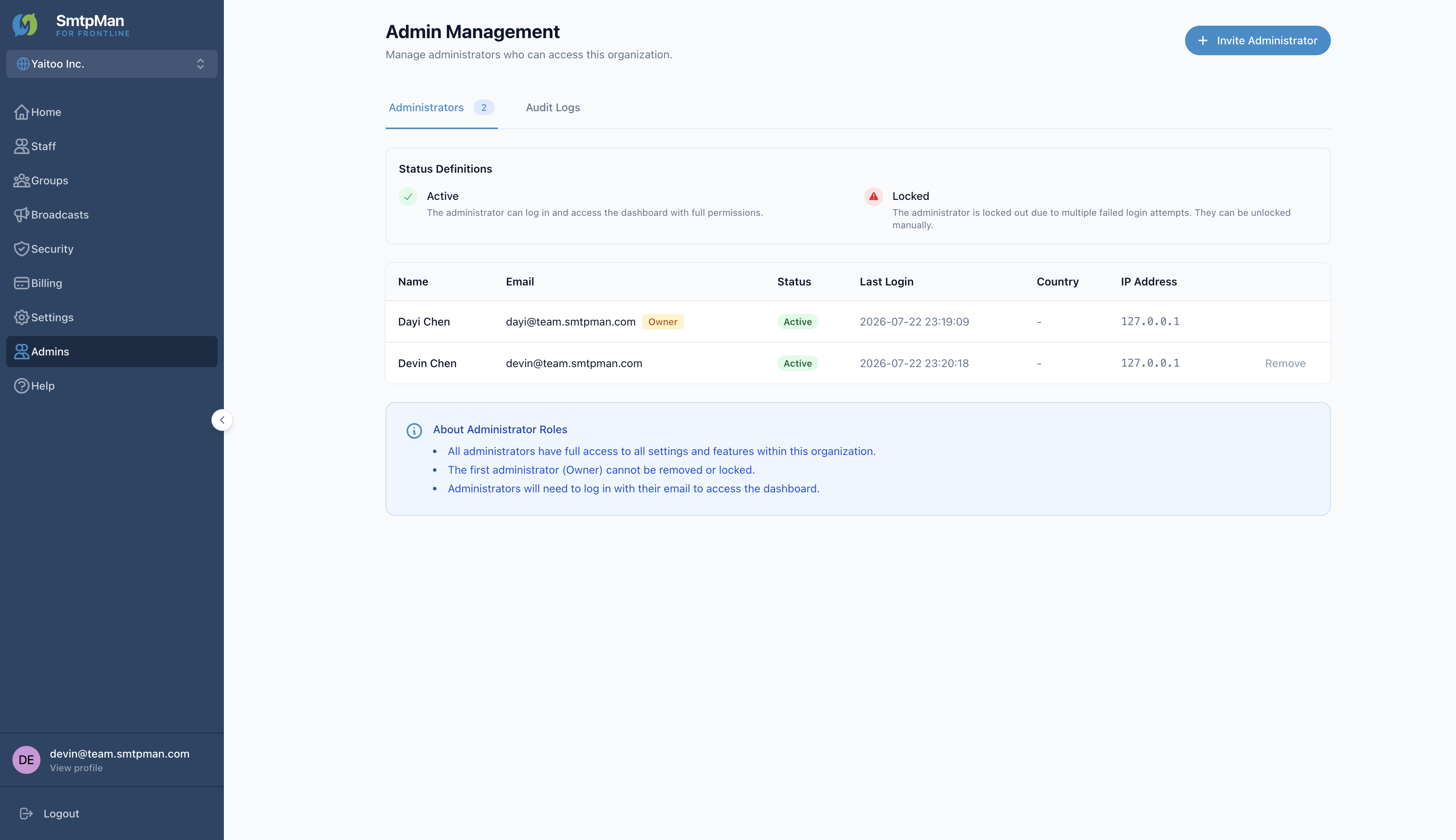
Open View profile in the dashboard sidebar to reach My Profile. Profile fields are for your administrator login—not staff mailboxes.
Account settings field list
| Field | Scope | Notes |
|---|---|---|
| First Name / Last Name | User | Editable under Personal Information → Save Changes |
| Email Address | User | Read-only — “Your email address cannot be changed.” |
| Current / New / Confirm Password | User | Change Password → Update Password |
Organization settings
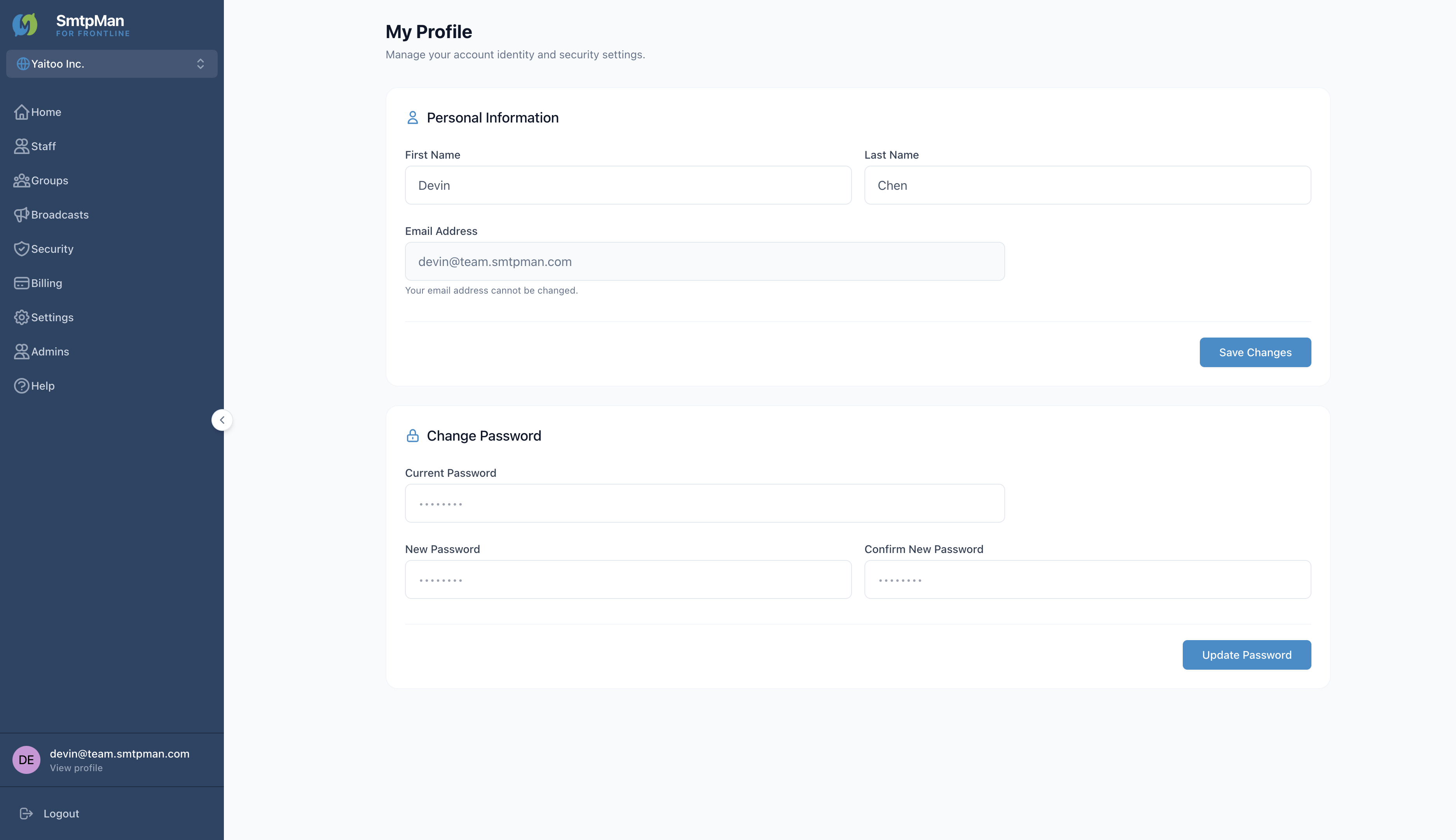
Open Settings in the sidebar. Tabs are Organization, Policies, and Domains.
- Organization Profile — editable field: Company Name → Update
- Policies — Re-onboarding Policy: Restore History (Recommended) or Fresh Start → Save
- Domains — Team Email Domain and DNS records (see Domain & DNS Help)
Timezone is chosen during Create Organization (Organization Info). It is not editable on the Organization Profile screen.
Administrator roles
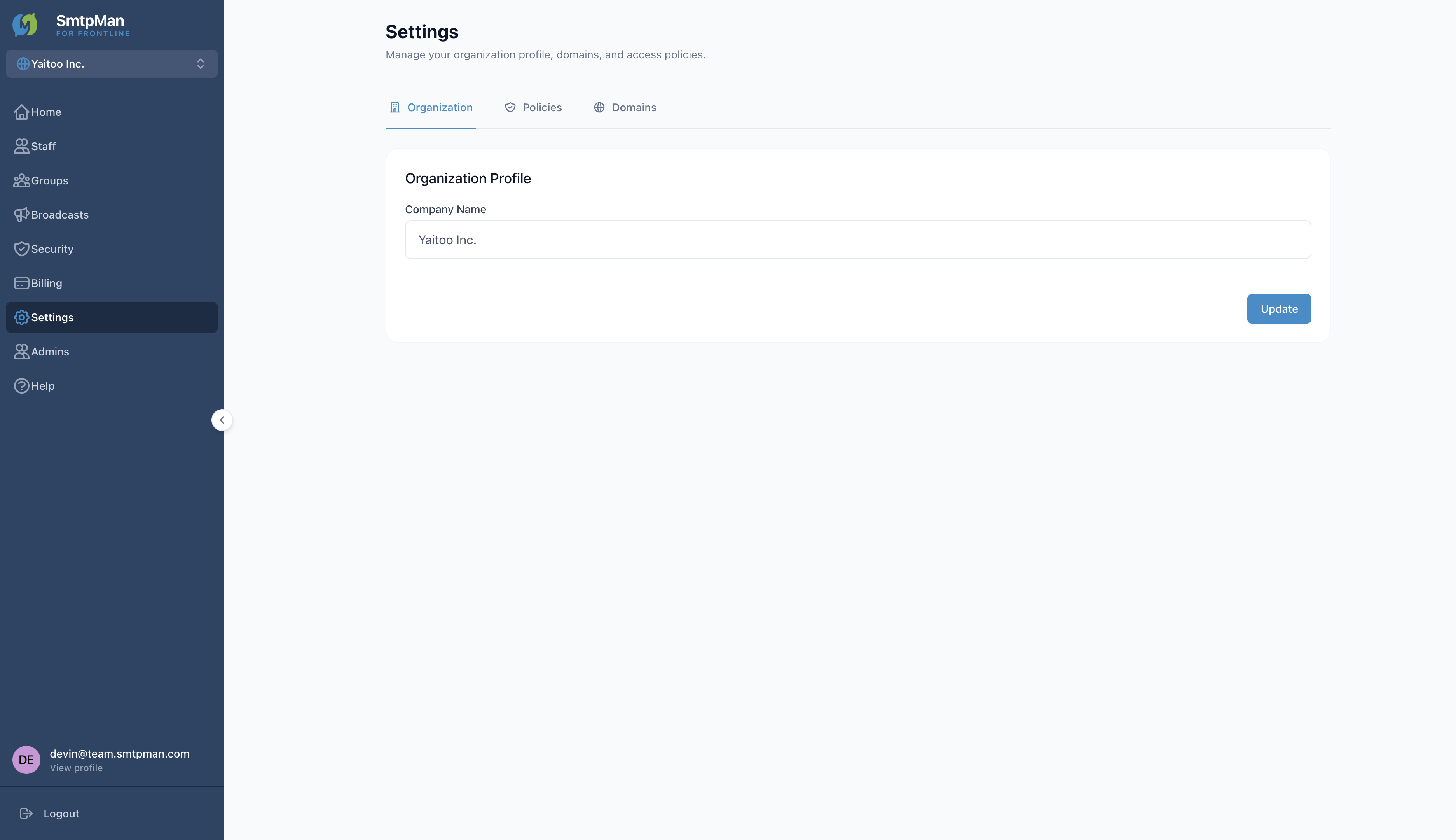
Open Admins → Admin Management. Use Invite Administrator (fields: Name, Email Address → Send Invitation). Tabs: Administrators | Audit Logs.
The administrator can log in and access the dashboard with full permissions.
Locked out after failed login attempts. Unlock with Unblock on the list.
- All administrators have full access within the organization
- The first administrator (Owner) cannot be removed or locked
- Non-owner rows can use Remove; locked rows show Unblock